01 · REQUESTS
Twitch song request bot
Viewers request music with !sr song artist. Duplicate checks, cooldowns, moderation tools, and availability matching keep requests useful instead of chaotic.
Afterglow Radio turns Twitch chat song requests into a moderated music queue, keeps playback moving, and sends a customizable now-playing overlay directly to OBS Studio.
Free Starter plan · hosted web app · secure OBS pairing · no payment required to begin

Control playback, view the live queue, moderate requests, use Taste Auto-fill, and design your stream overlay without leaving OBS Studio. Switch between the compact Mini Player and the complete Full Studio whenever your workflow changes.
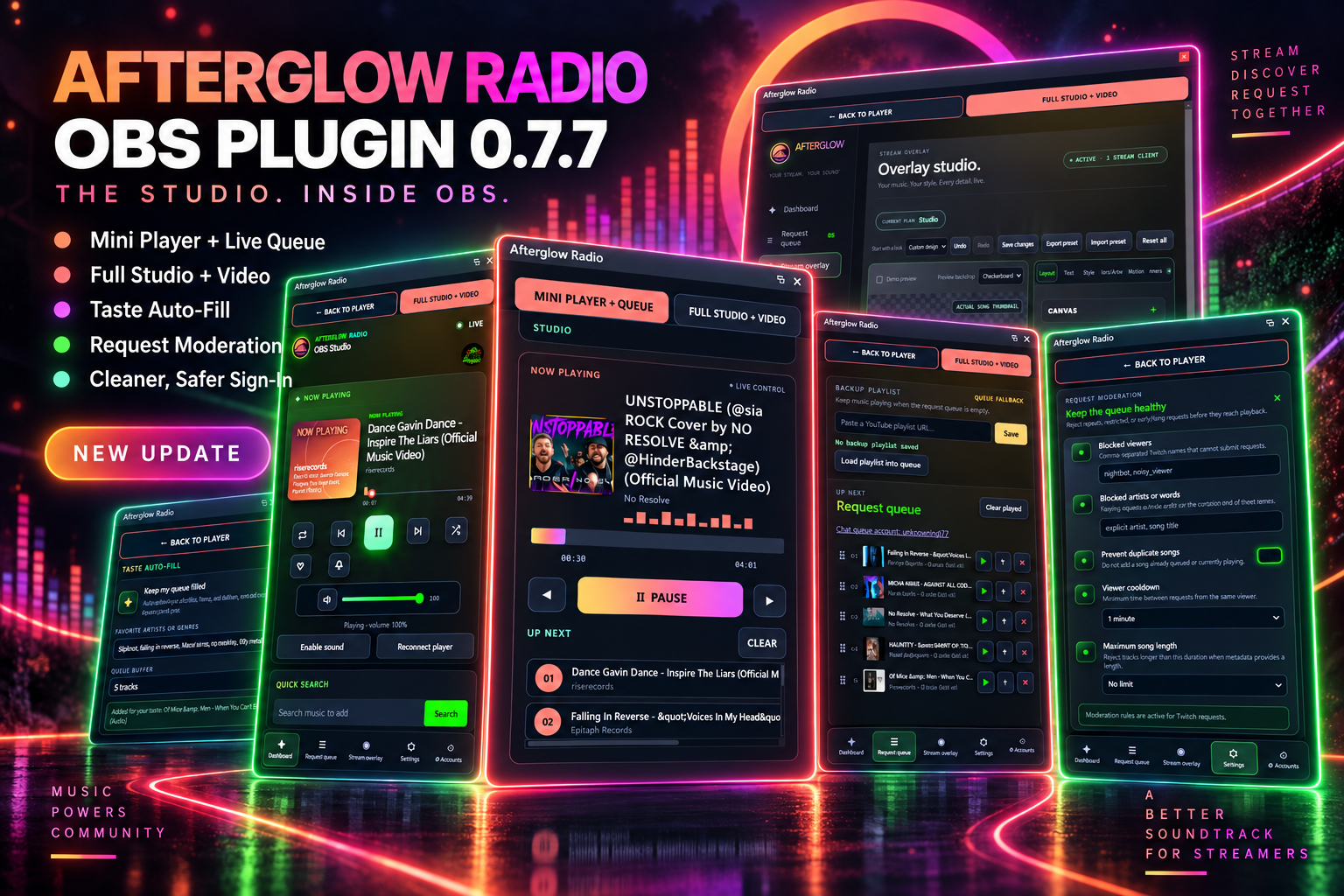
Stop juggling chat bots, browser players, queue spreadsheets, and disconnected browser sources. Afterglow gives streamers one workflow from viewer request to on-screen animation.
Viewers request music with !sr song artist. Duplicate checks, cooldowns, moderation tools, and availability matching keep requests useful instead of chaotic.
Reorder tracks, play now, skip failures, return to previous songs, and fall back to a backup playlist or Taste Auto-fill when requests run low.
Show song title, artist, artwork, progress, visualizers, particles, banners, and branded entrance or exit animations in an OBS browser source.
Afterglow is built for gaming streams, community radio shows, DJs, variety creators, and anyone who wants audience-driven music without surrendering control of the broadcast.
Link Twitch for chat requests and connect the services you use for identity, playlists, and stream control.
Add Afterglow to OBS and use the secure pairing flow to access a compact player, queue, and moderation controls.
Choose the layout, artwork, colors, visualizer, timing, particles, typography, and animations that fit your channel.
Afterglow finds an accurate playable match, adds it to the queue, updates the player, and synchronizes the browser source.
See Taste Auto-fill, queue automation, overlay design, banner controls, and the OBS workflow.
View streamer featuresStart with the free request and overlay foundation, then unlock richer branding and motion when you need it.
Compare plansCreate an account, connect OBS, configure chat requests, and troubleshoot playback with guided help.
Open setup guideSee how viewer commands become a moderated queue with accurate matching and failure protection.
Explore Twitch requestsLearn how song information, artwork, progress, and animated transitions stay synchronized in OBS.
Explore the overlayCompare bars, dots, waves, jumping lines, rays, and light streak styles for stream scenes.
Explore visualizersCreate your free Afterglow Radio account and turn viewer requests into a polished part of the show.